Project
printsim
I wanted a camera on the printer. I didn't have permission, so it runs off the file alone.
- Status
- Live
- Built for
- Prusa MINI+, Brandeis MakerLab
01 / THE PROBLEM
The printers aren't networked
The Prusa MINI+ printers in the Brandeis MakerLab aren't networked. Once you hit print, the only way to know how far along it is: walk back and look.
02 / THE PLAN
Everything comes from the file
Decode the .bgcode, time every move the way the printer's firmware would, then draw it layer by layer.
How a .bgcode becomes a live print
- .bgcodethe same file you sent the printer
- Decoderwritten from Prusa's format spec, byte-identical to their reference
- Timingcopies the firmware's motion planner
- Rendererthree.js, layer by layer
- Your phoneprogress, time left, ETA
03 / WHAT I BUILT
Load it, start it, walk away
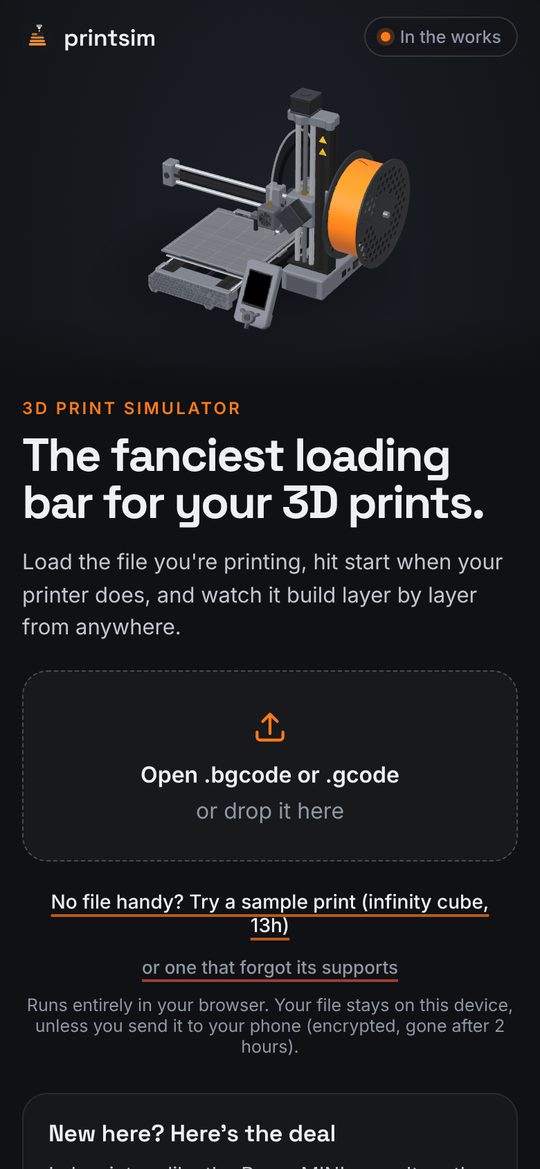
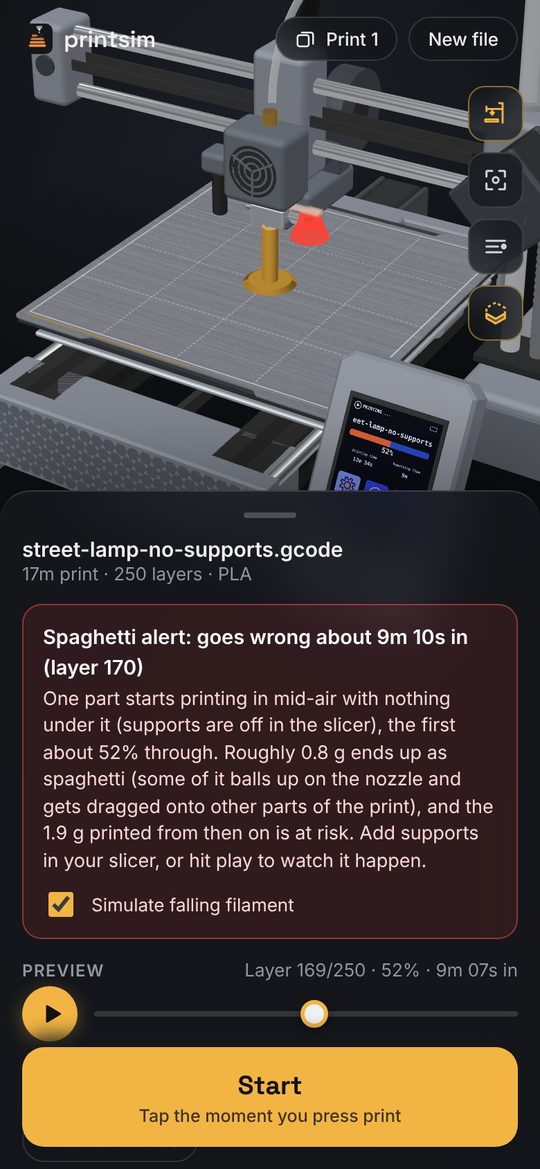
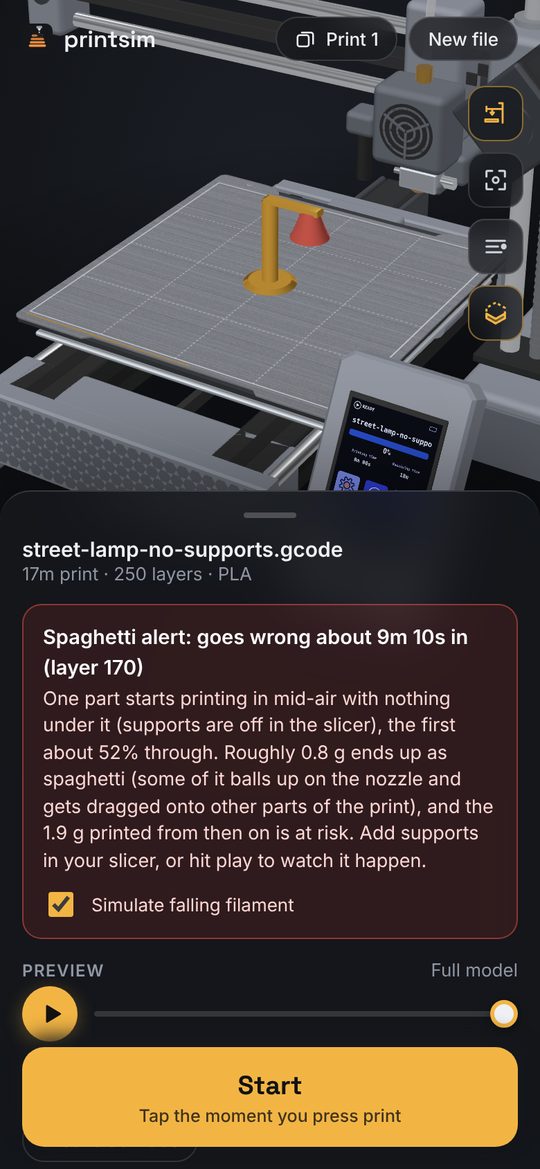
Load the file, tap Start the moment the printer starts, and leave. If a part is going to print in mid-air, you find out before you print.
04 / WHERE IT BROKE
No camera allowed
The obvious version was a camera on the printer, syncing to the real print. But the printers are school property and I didn't have permission to mount anything. So printsim never sees the printer, and the timing has to be right on its own.
Camera on the printer
Watch the real print and sync to it live.
No permission: school propertySimulate from the file
Decode the .bgcode, copy the firmware's timing, never look at the printer.
What shippedWith no camera it can't see a real failure. It predicts one from the file, and shows you the fall if you print anyway.
05 / THE RESULT
Close enough to trust
The timing lands within 0.5% of PrusaSlicer, and the sim finishes within about 2 seconds of the real printer.
Next
BEES Network